
 Clock-Clock
Breaks, timed to the minute.
A break starts with a tap and counts down, and you're told when one runs over.
Your staff clock in from their own phone at the work site. You see hours, breaks, schedules and leave in one dashboard, as it happens.
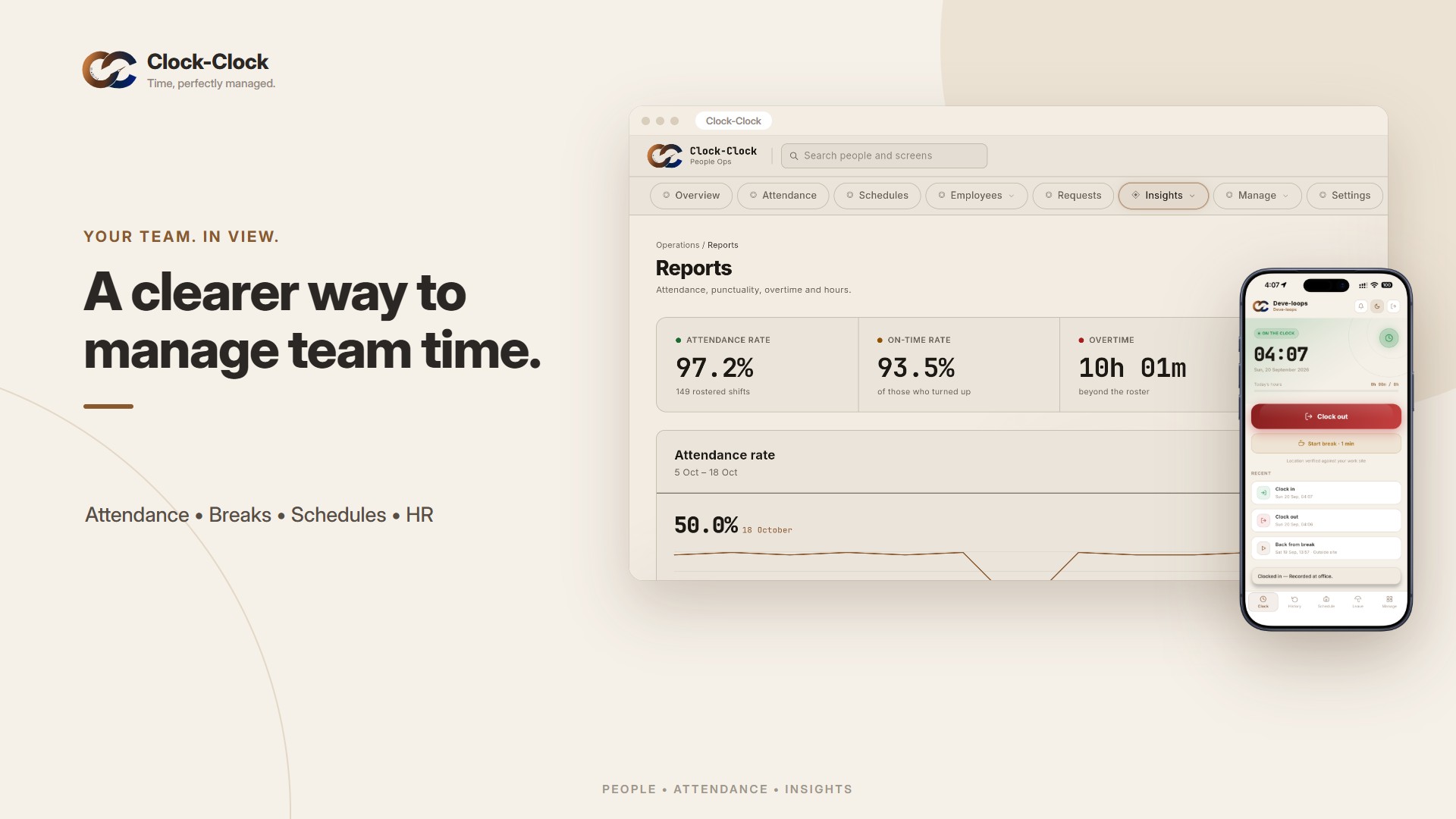
One tap and they're on the clock. Clock-Clock checks every punch against the work site, catches fake-location apps, and keeps each account on its owner's phone.
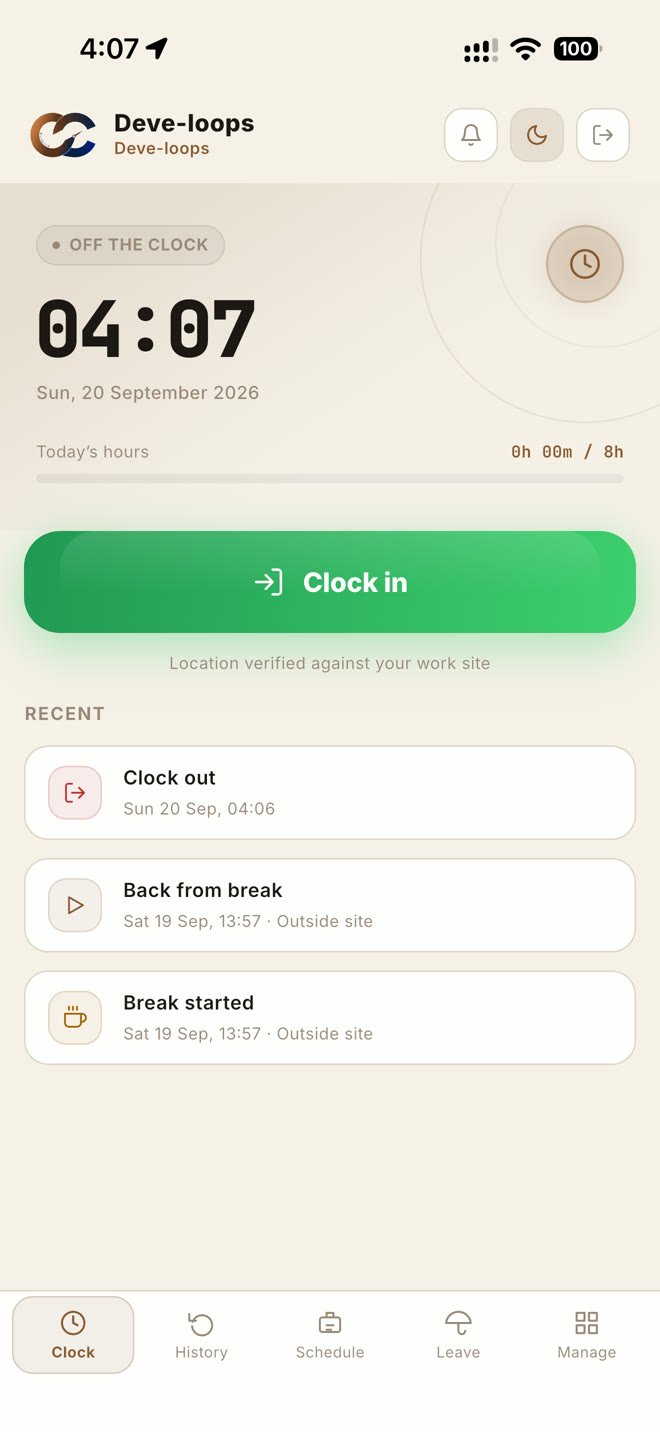

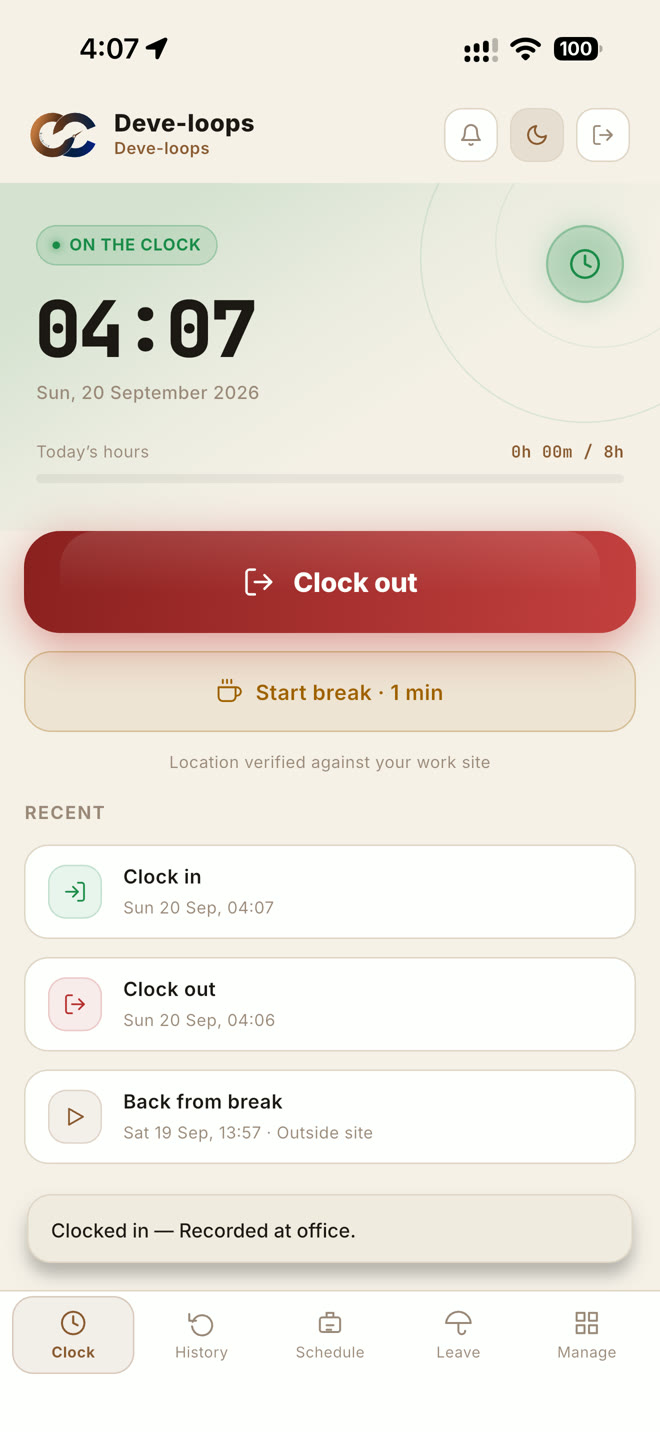
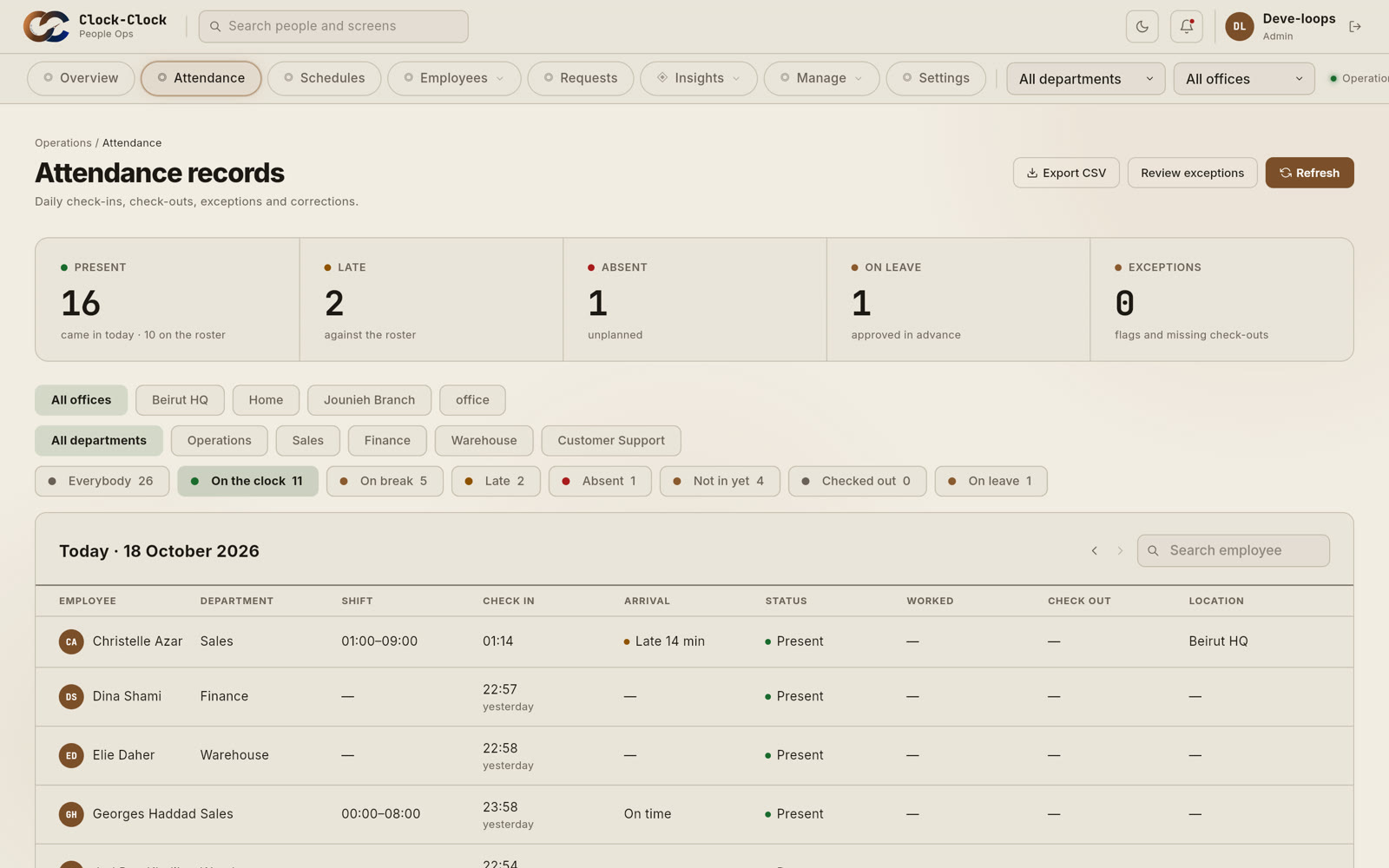
See who is present, on a break, late or absent as it happens, for every office and every department.
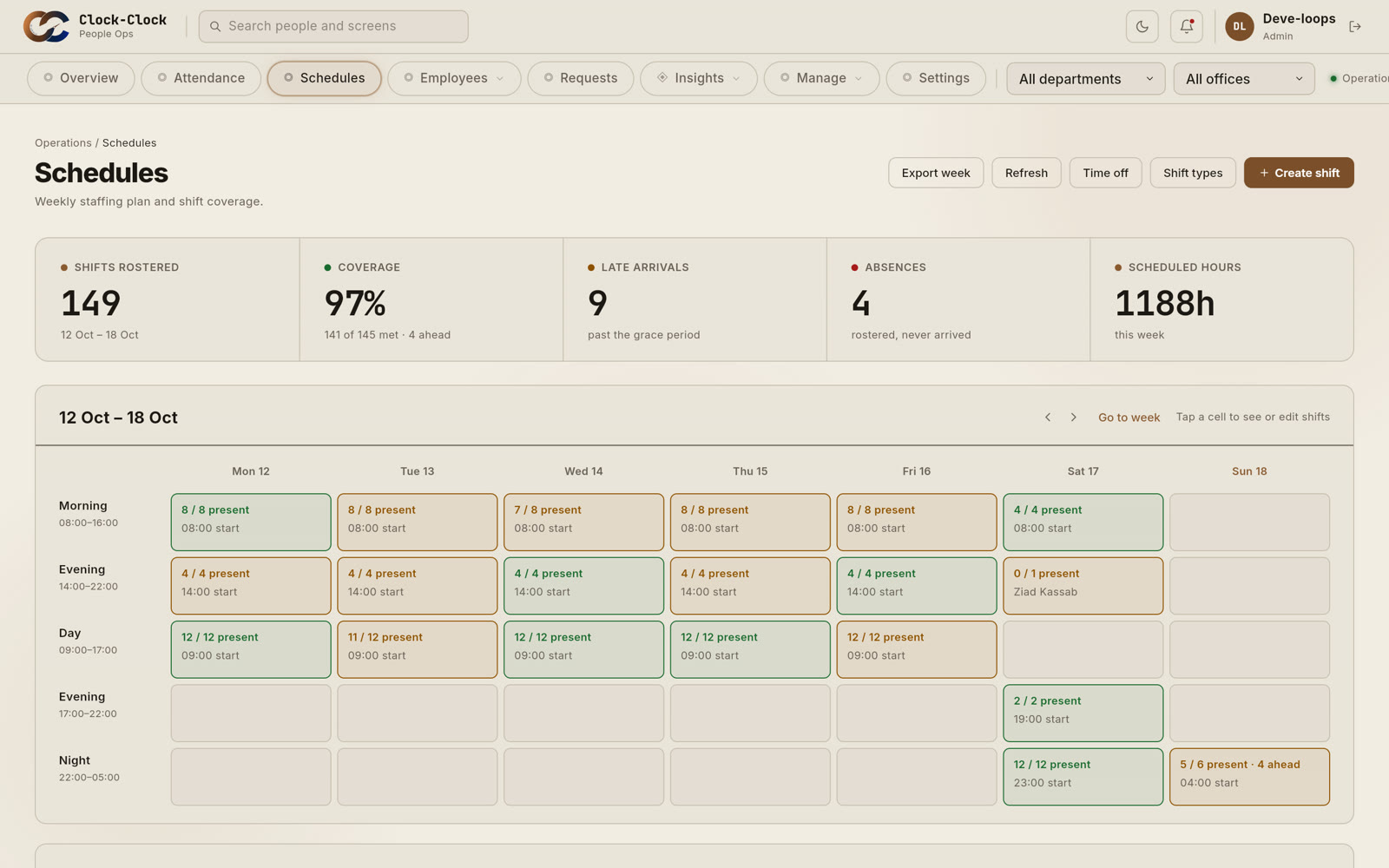
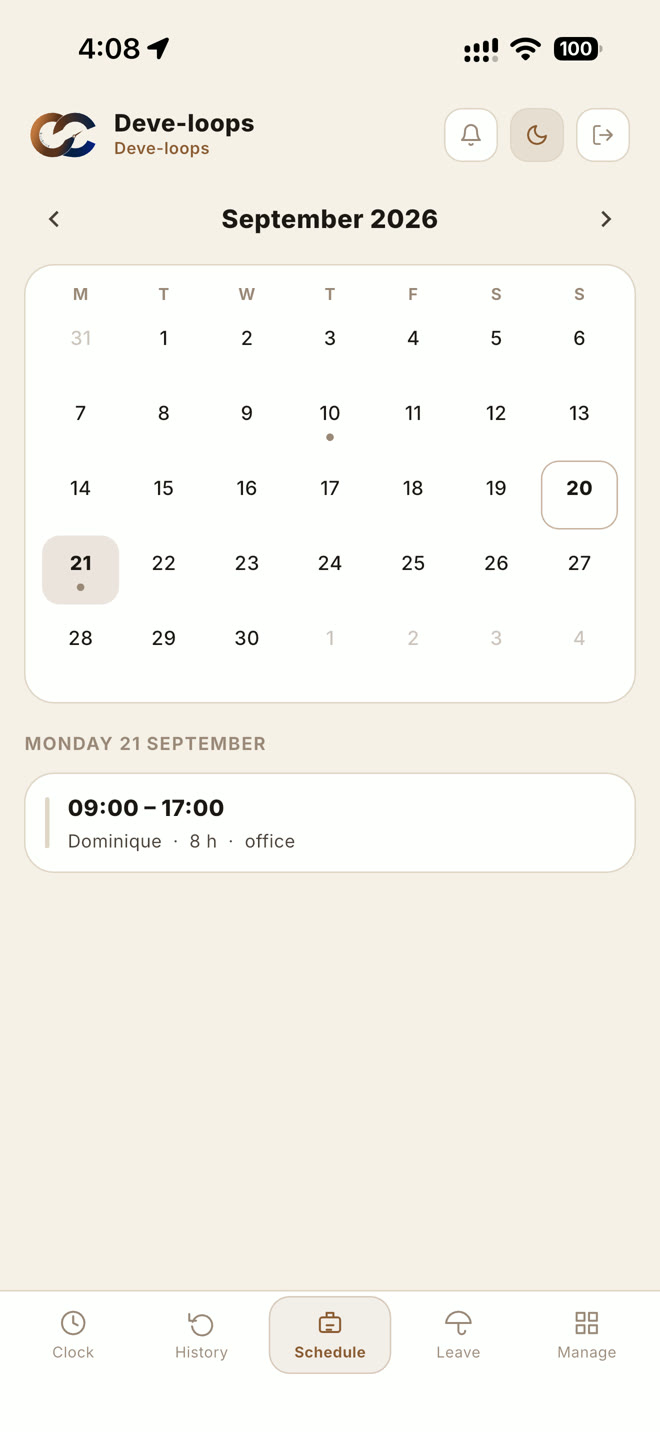
Plan the week's shifts in minutes. Everyone sees their own schedule on their phone, and asks for leave or a change from the app.
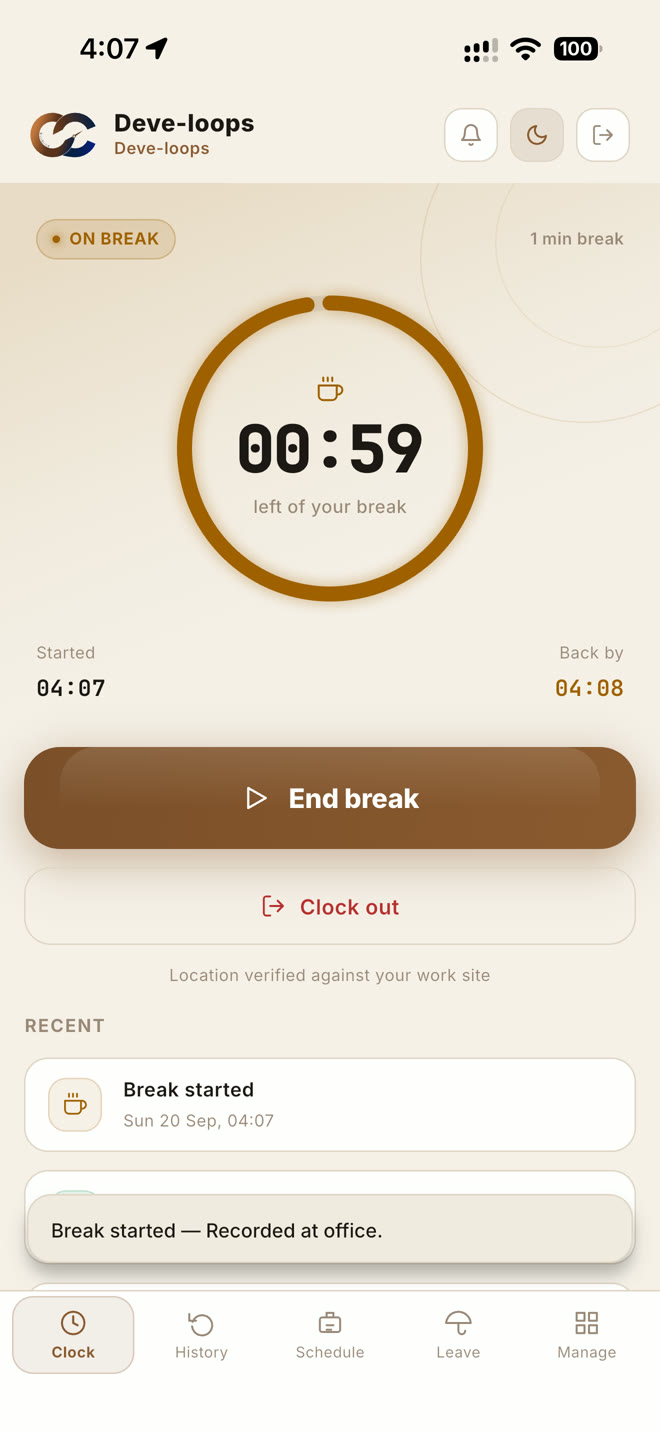
A break starts with a tap and counts down, and you're told when one runs over.
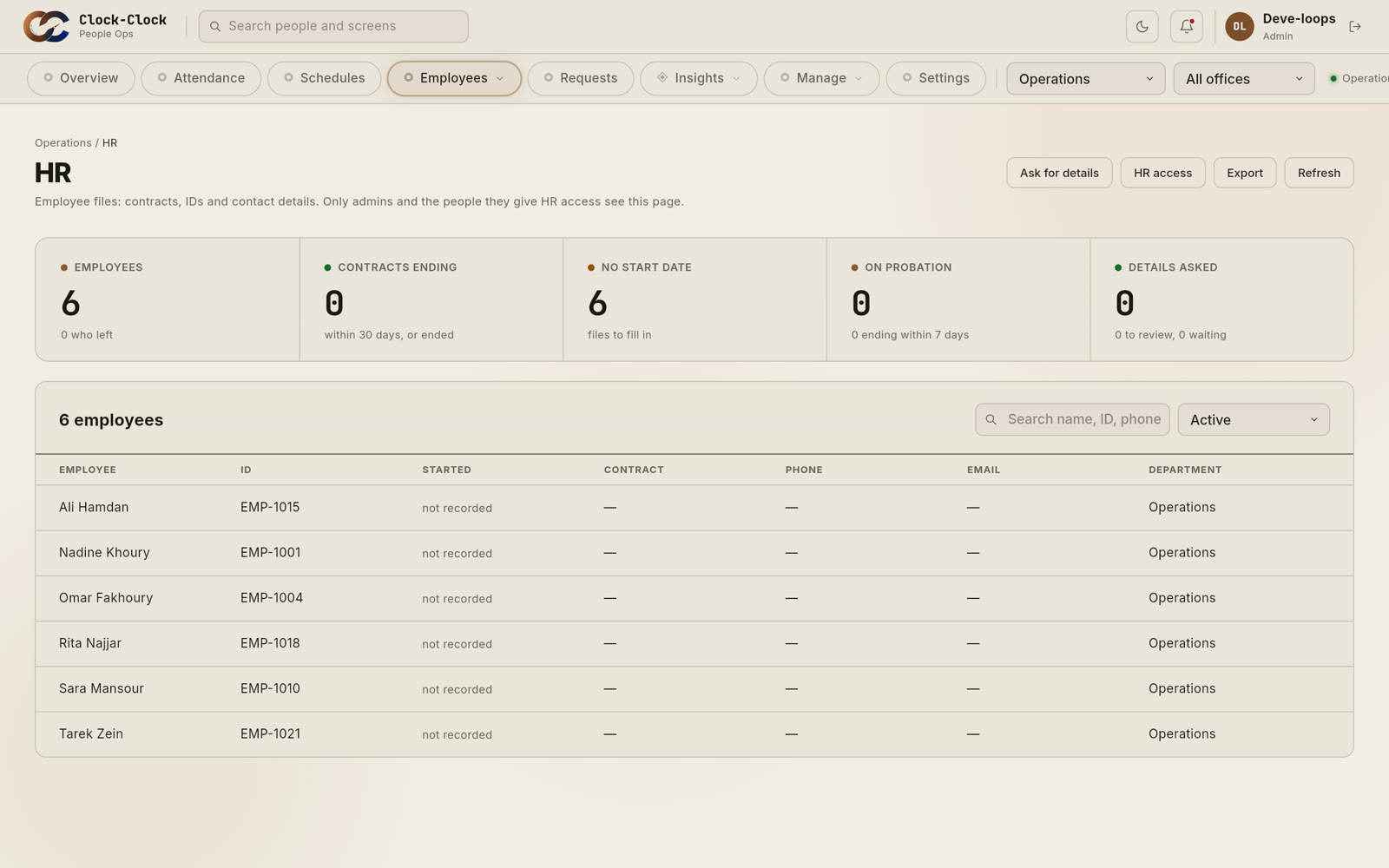
Contracts, IDs and contact details. Ask for documents, and they send them from their phone.
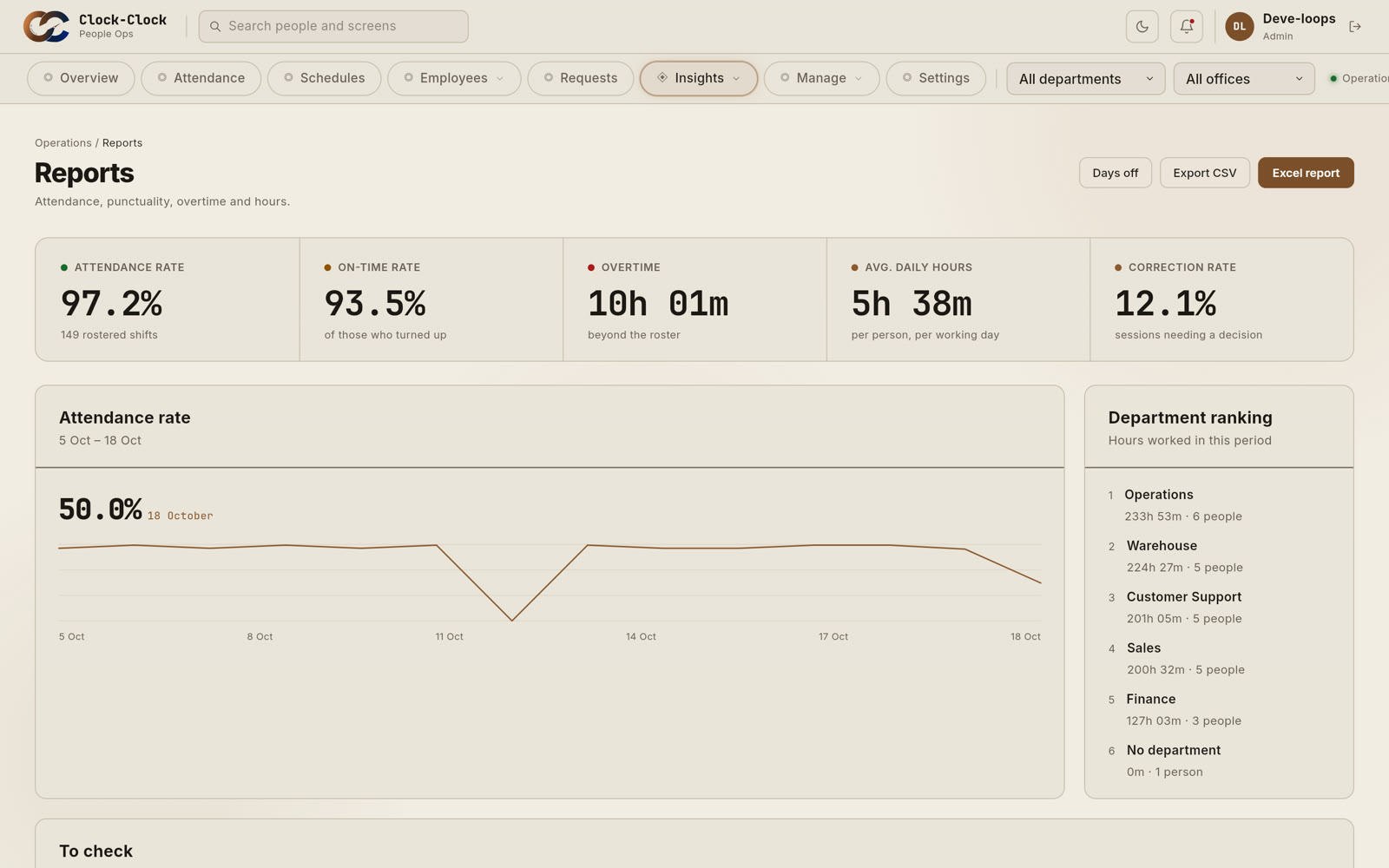
Attendance, punctuality and overtime for any period, ready to export.
Tell us your company's name, where you are and how many people you have.
We send you an invitation. Add your work site and invite your team from the dashboard.
They download Clock-Clock, join with their code, and clock in at the work site.
Download Clock-Clock, join with the code your manager sent you, and clock in from your phone.
Yes, an iPhone or an Android phone with the Clock-Clock app. If someone has no phone, a manager can enter their times by hand.
They can still clock in. The punch is kept on the phone and sent as soon as it's back online, with its time checked.
No. Each account works only on its owner's phone, every punch is checked against the work site, and fake-location apps are caught.
Only your company. Each company's data is kept apart, and inside your company each person sees only what their role allows.
You invite them from the dashboard. They download Clock-Clock, enter their code, and they're in.
Yes. Each office has its own work site, schedules and managers, and you see them all together or one at a time.
Yes. Attendance and reports export to CSV or Excel for any period.
Request your company today. We'll set you up and send your invitation.